Race directors
See which stations are current, delayed, or offline. Plot the course. Watch WBGT move through the day instead of relying on a single airport reading.
HeatTrackR is a web console for races and outdoor events. It shows live wet-bulb globe temperature from instruments on the course, NWS forecasts and nearby observations, and heat alerts your staff acknowledge in the same screen.
See which stations are current, delayed, or offline. Plot the course. Watch WBGT move through the day instead of relying on a single airport reading.
Open the same event the race director is watching. Threshold alerts sit next to the gauges. You acknowledge them in the console — HeatTrackR does not page phones yet.
Organizations hold members, roles, and multiple events. Create an event, assign instruments, and keep a historical record you can export as JSON.
A WBGT gauge, max and average, instrument cards, a short NWS forecast strip, and any active alerts.
Read more on the product page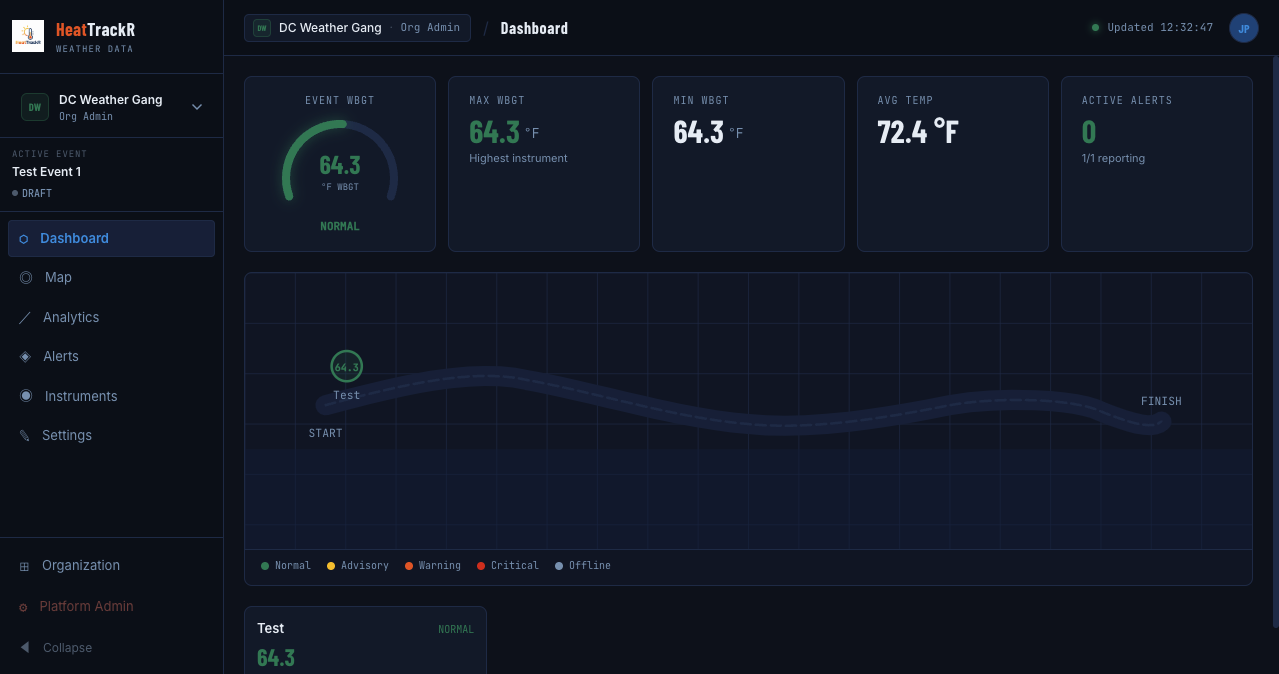
Instruments and NWS stations on a live map, with KML or GeoJSON course overlays.
Read more on the product page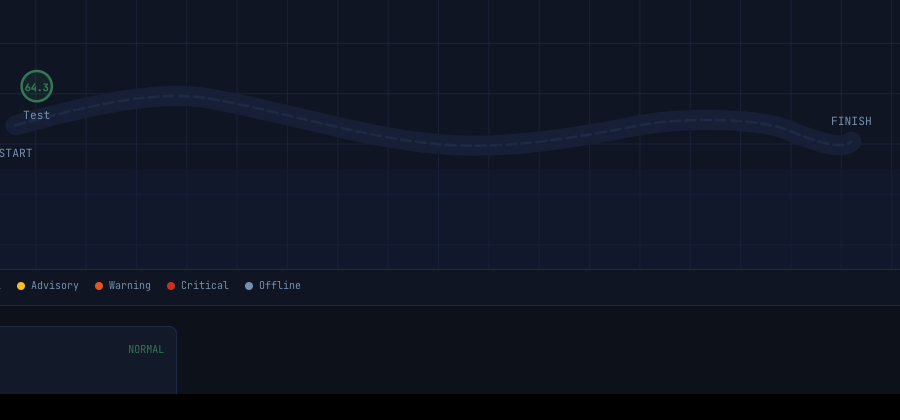
Rules for advisory, warning, and critical. They trigger in the console. Your staff acknowledge them there. SMS, push, and alert email are not shipped.
Read more on the product page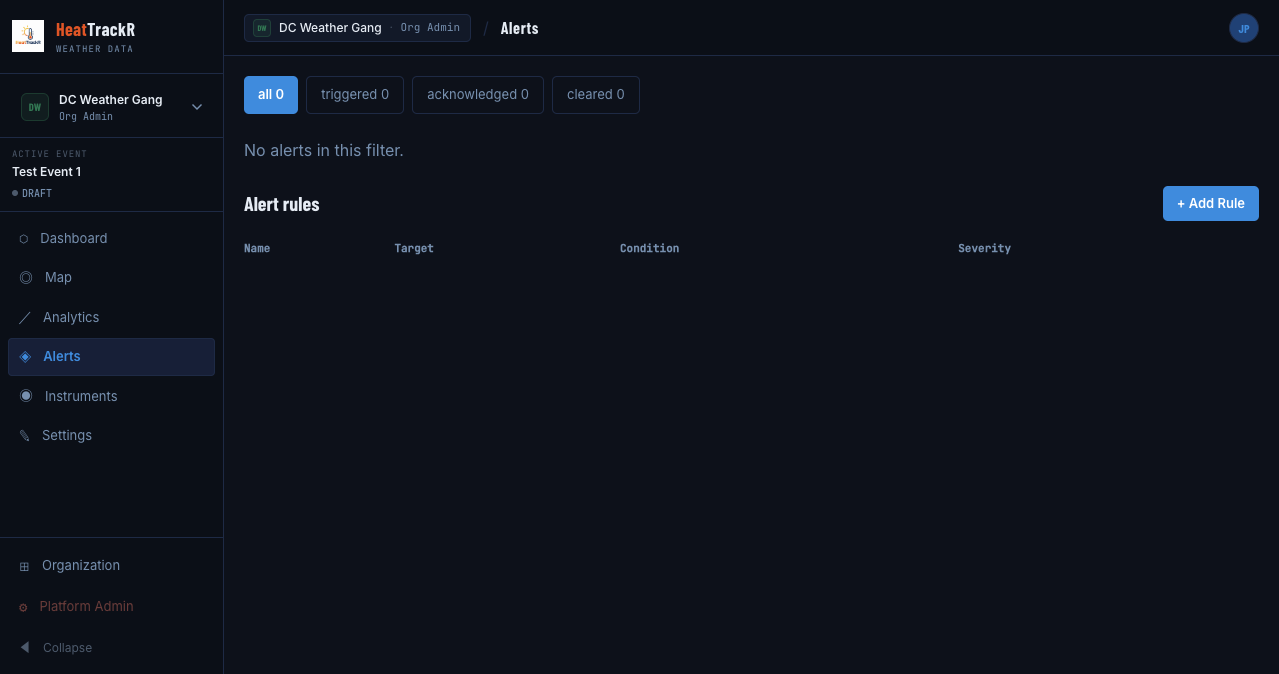
Create an account at app.heattrackr.com. Confirm the email before you sign in.
Start a new org, or request to join one that already exists. An org admin has to approve join requests.
Name, time window, and a location. Location is what unlocks NWS forecasts and nearby observation stations.
Create an account, verify your email, and set up an organization. There is no sales form in front of the app.